
 Vue support
Can you add syntax highlighting support for Vue files please and thank you?
Also, formatting and linting engines in the long term would be dope AF. You're basically the vscode of mobile devices!

Yubikey 5CI + PKCS#11 or ed25519-sk support
Does Textastic support the use of Yubikey 5ci with either PKCS#11 or ed25519-sk ssh keys? My company does not permit private keys to reside on anything but smart tokens. I would love to be able to use my iphone / ipad for remote access and editing


You can add custom syntax definitions to Textastic by using TextMate bundles or Sublime Text packages. See
https://www.textasticapp.com/v9/manual/customization/custom_syntax_themes_templates.html
A search for "Z80 Assembly Sublime Text" brought up this Sublime Text package which should work:
https://github.com/mrcook/Z80Assembly
Just put the file "Z80Assembly.tmLanguage.sublime-syntax" into the folder "Local Files/#Textastic/Z80/" and reload customizations. Then you should be able to select "Z80 Assembly" as a syntax definition in the file properties.
Here's how to get the file on an iPad:
- Go to https://github.com/mrcook/Z80Assembly in Safari.
- Tap the green "Code" button and select "Download ZIP".
- Unzip the file in the Files app.
- Copy the file "Z80Assembly.tmLanguage.sublime-syntax" to "On my iPad/Textastic/#Textastic/Z80/".

Terminal graphics protocol support
Although Textastic is primarily a text editor, I think it is also the best terminal emulator for iOS and iPadOS. I often use Textastic to SSH into a Linux machine, and much of my work involves making image files. Ideally, I would be able to run a command like imcat on the Linux machine that would display an image in the Textastic terminal. I believe this would be possible in principle using the Terminal Graphics Protocol.

 Syntax additions - converting vscode extensions?
Pretend I’m an idiot when it comes to language syntaxes in editors. I understand that Textastic is customizable but I’m still having a hard time wrapping my head around how to import/create a syntax.
I want to add Astro support to Textastic. They have language tools based on LSP (https://github.com/withastro/language-tools) but I don’t even know how to begin trying to integrate this into a syntax for Textastic.
Anyone have any examples of how they did this kind of thing from scratch?
Thanks.

Support for Kotlin?
I did not see Kotlin in the list of languages. it is my understanding this language has been out for the past 7-8 years or so and is popular in Android development.
Are there any plans to add this template to Texttastic?

Question: Autocomplete self defined variables and functions
Hello.
I have started using textastic.
This is really great app to work with, but I couldn’t figure out if there is function to autocomplete my self defined variables and functions.
I know there already exists a function to autocomplete standard functions, for example,
when you type “func…” and then tap Tab key, there appears:
function name() {
}
or “al” and tab then alert( )
but for var someThing, or function someFunc(){},
even if you type “some…” it does not show option to select from “someThing” or ”someFunc”.
we usually use self stated variables and functions for many times, and each time we are anxious for mistyping.
And so basically superior code editor has a function to autocomplete those - often little bit lengthy - names.
I hope anyone tell me how to enable that functionality.
Thank you.

 Text files in iCloud created on one iOS device will be grayed out on another linked iOS device
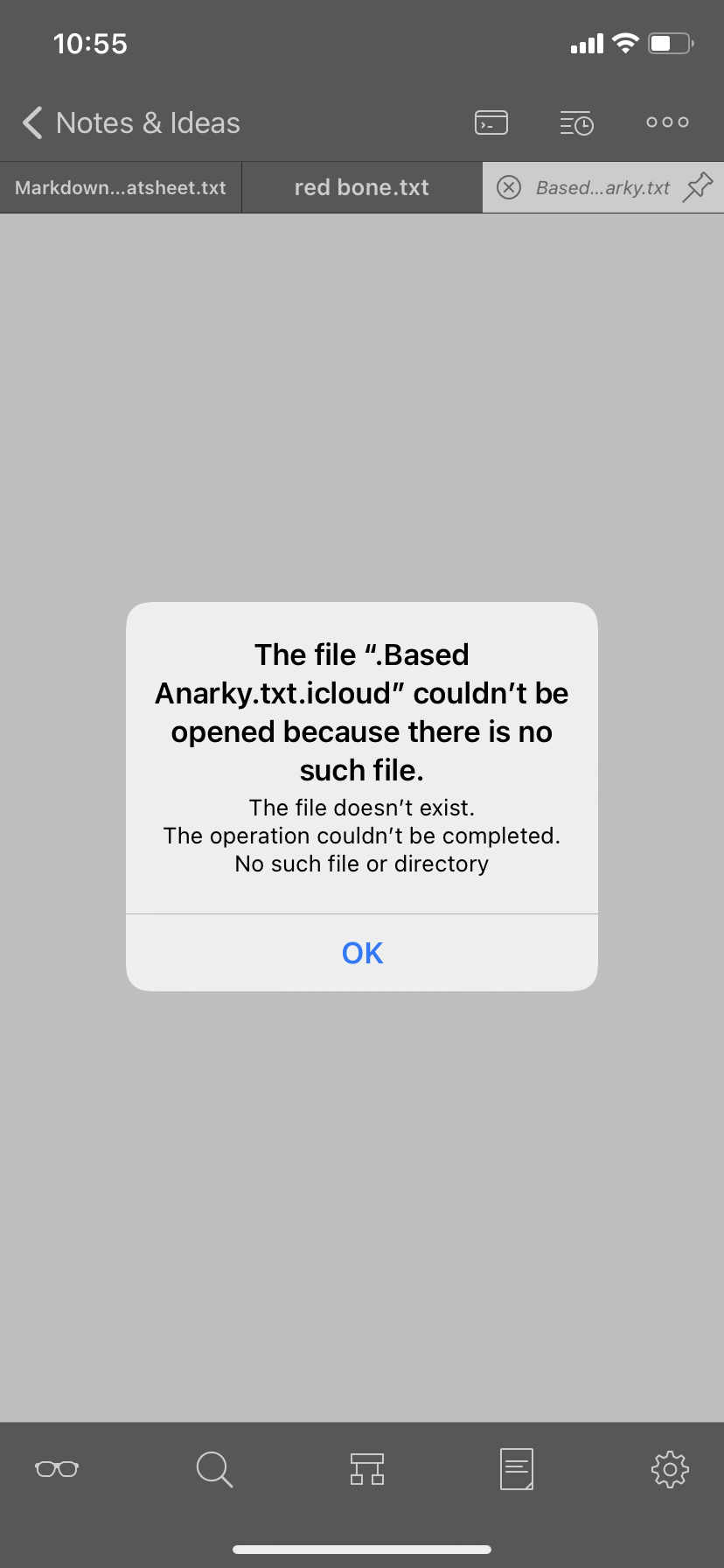
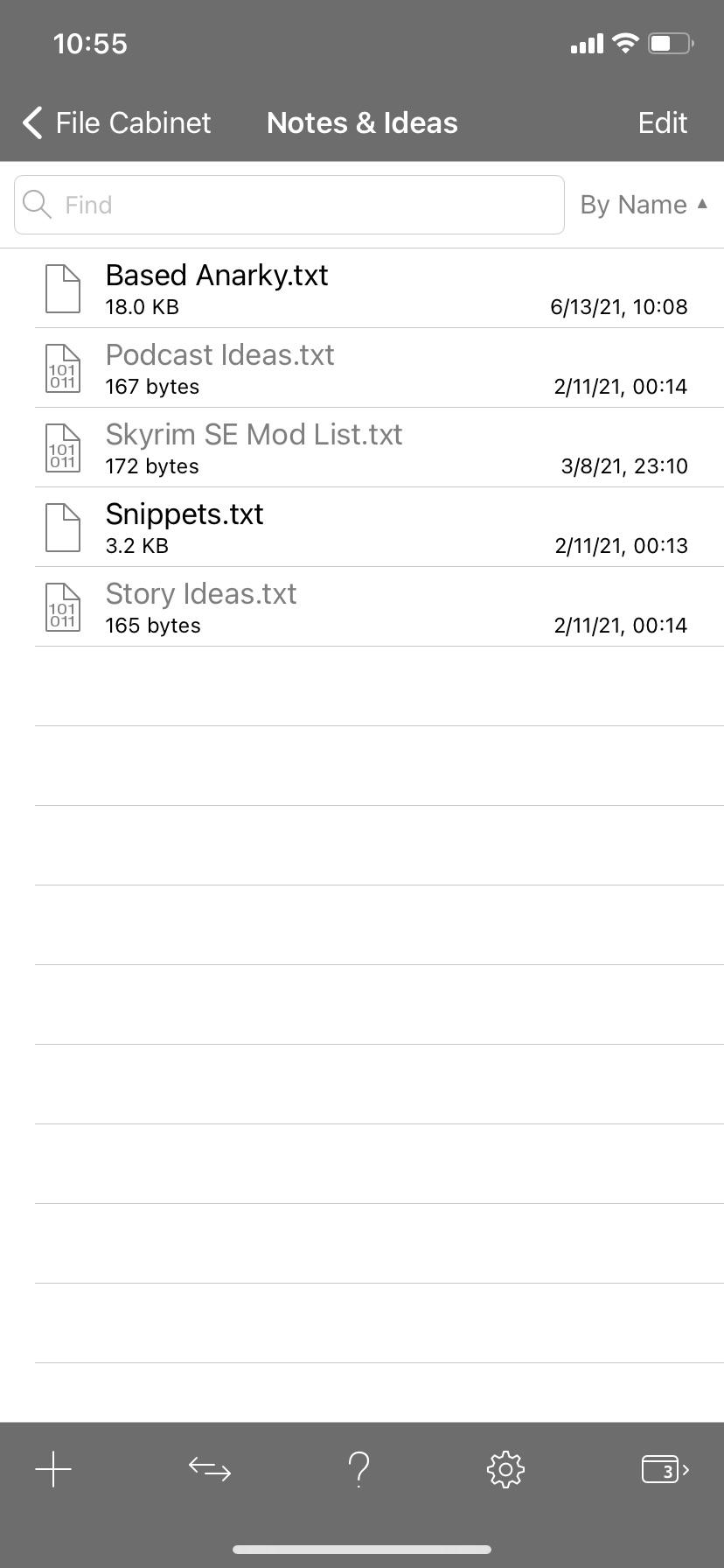
I have Textastic on my iPhone and my iPad. Between the two of them I have an iCloud folder that syncs files. When I create a text file on one of these devices, it will not open on the other device without a little work. Chose general category as this isn't inherently an iPhone or iPad issue. The files have the following properties:
Encoding: Unicode (UTF-8)
Line Endings: Unix (LF)
Syntax: Markdown
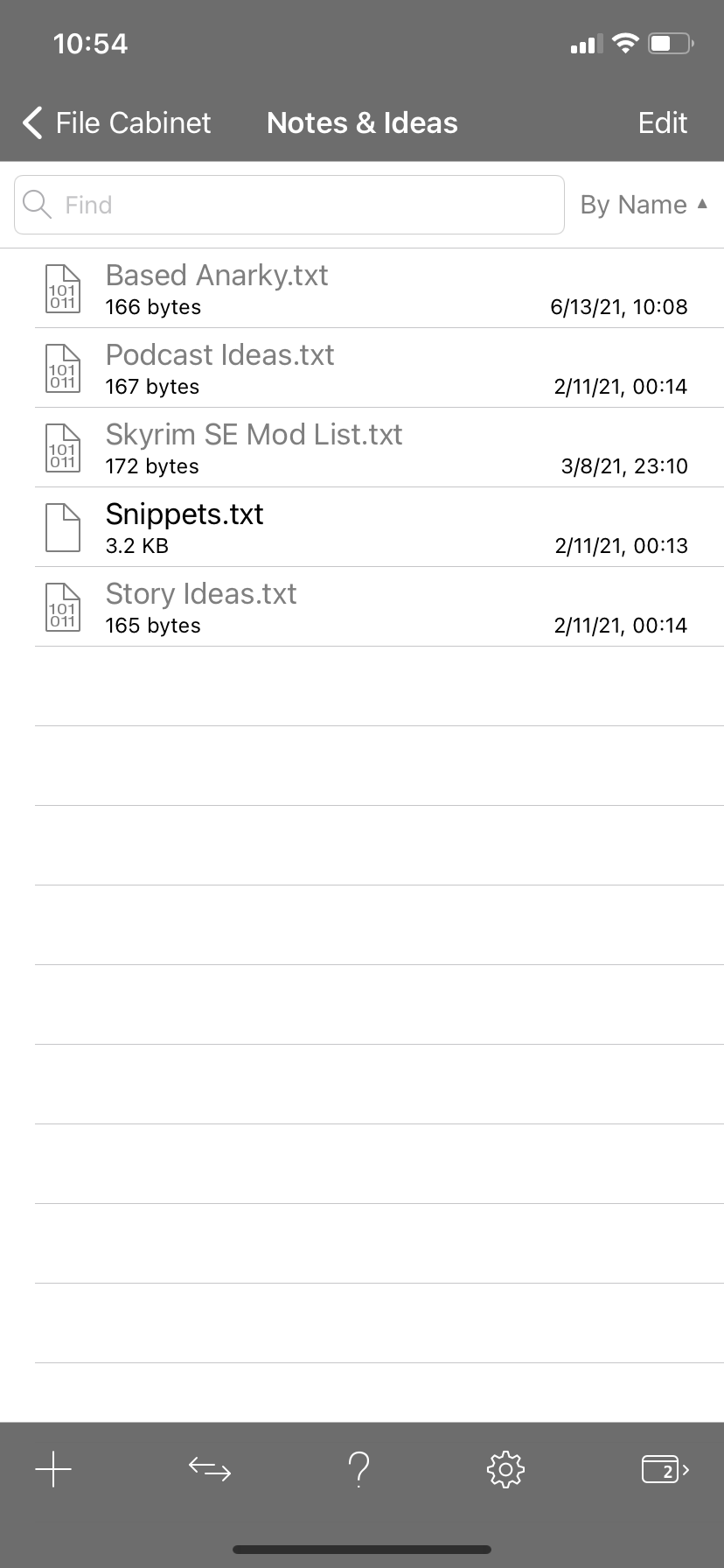
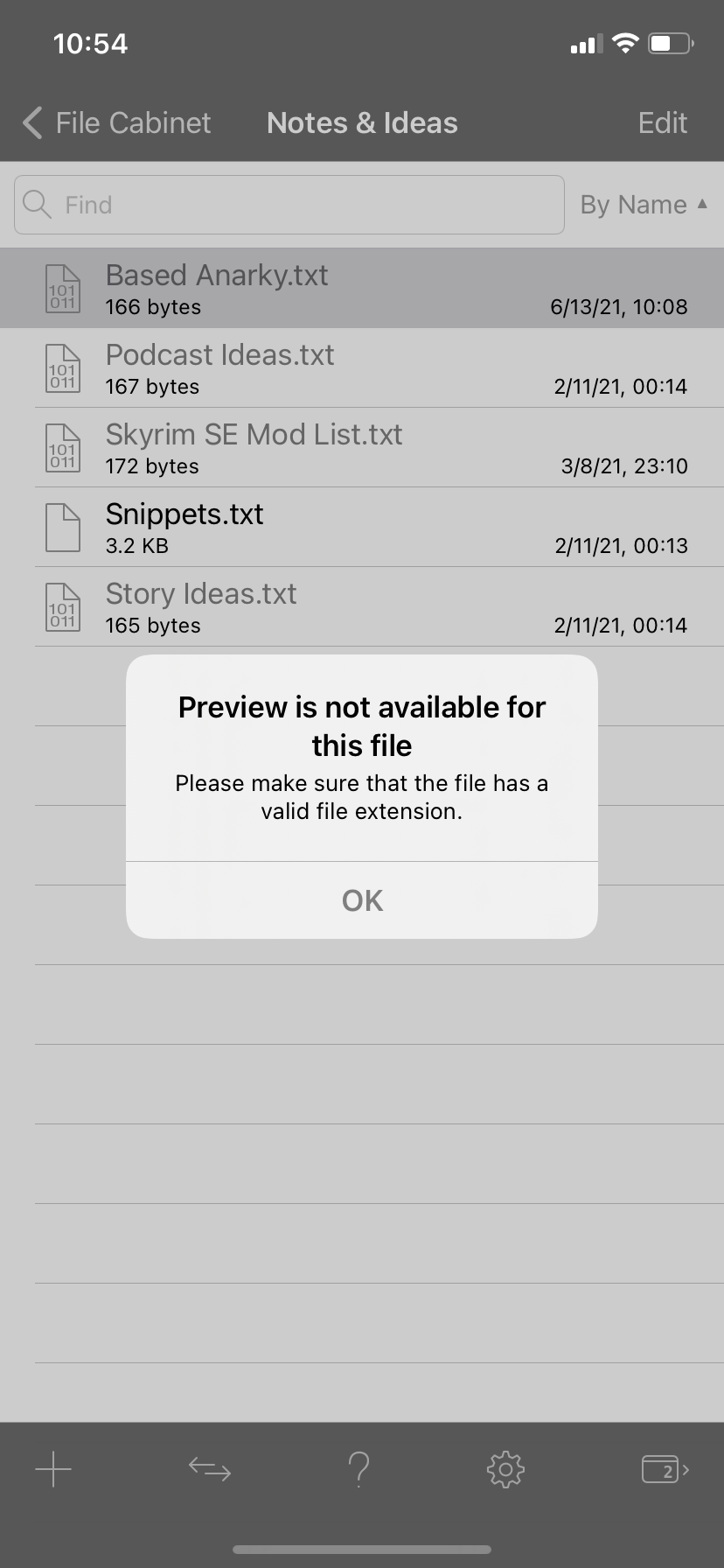
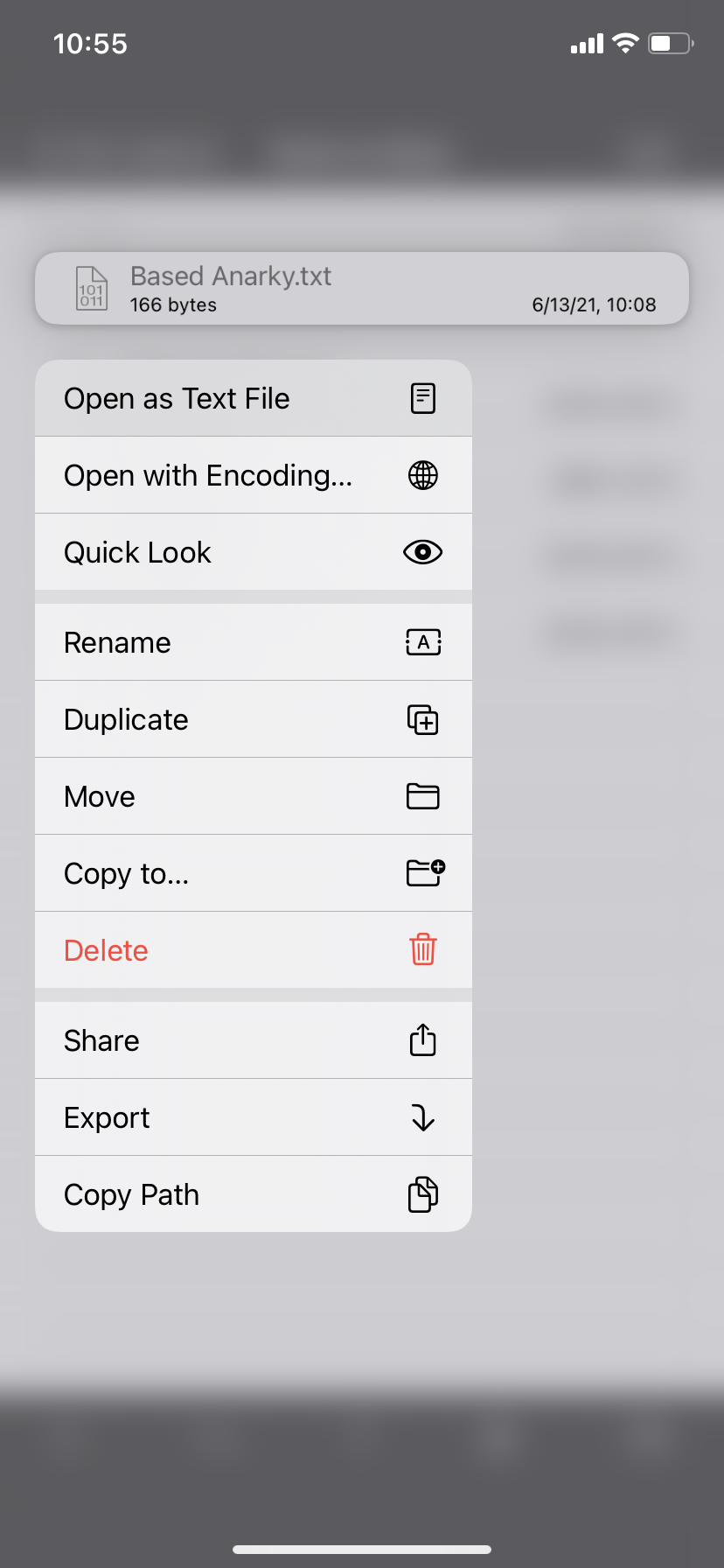
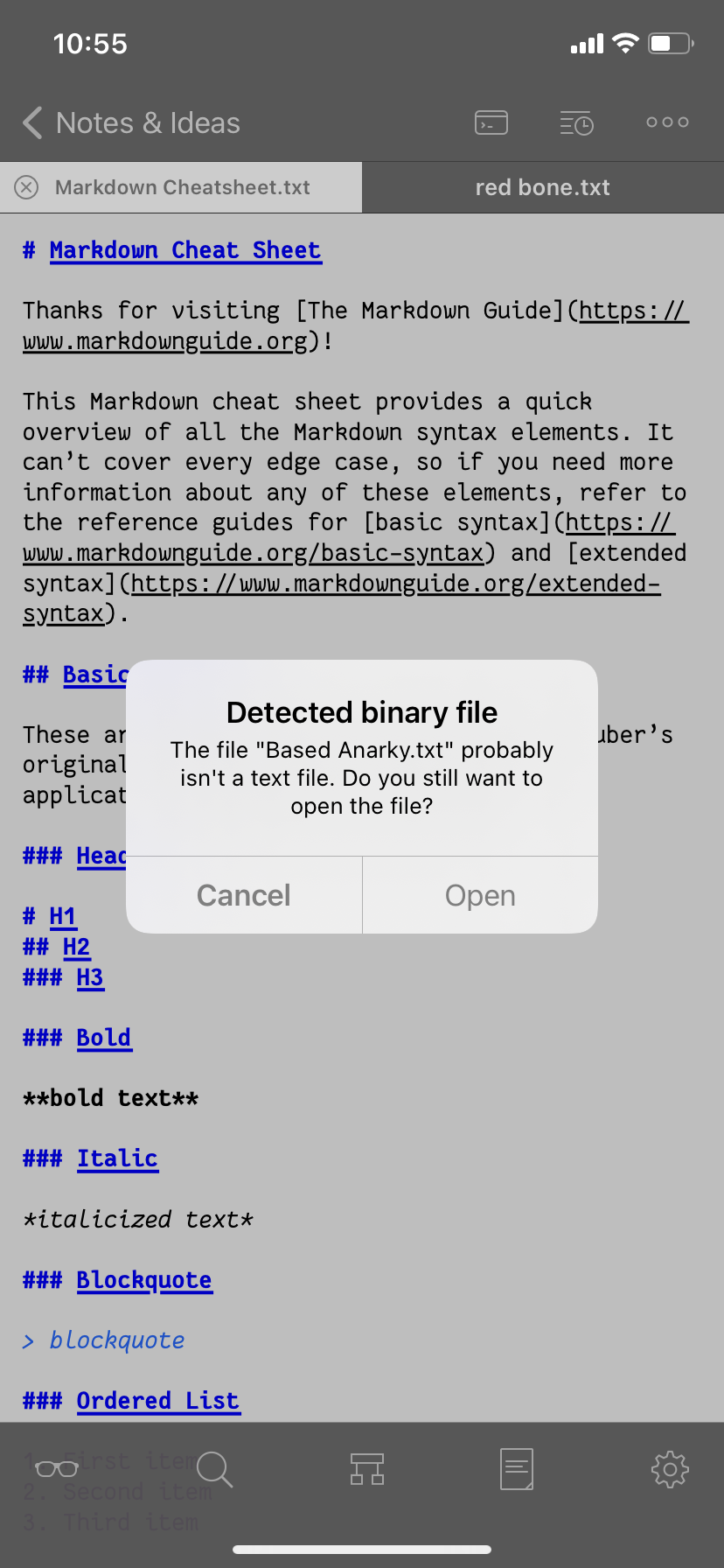
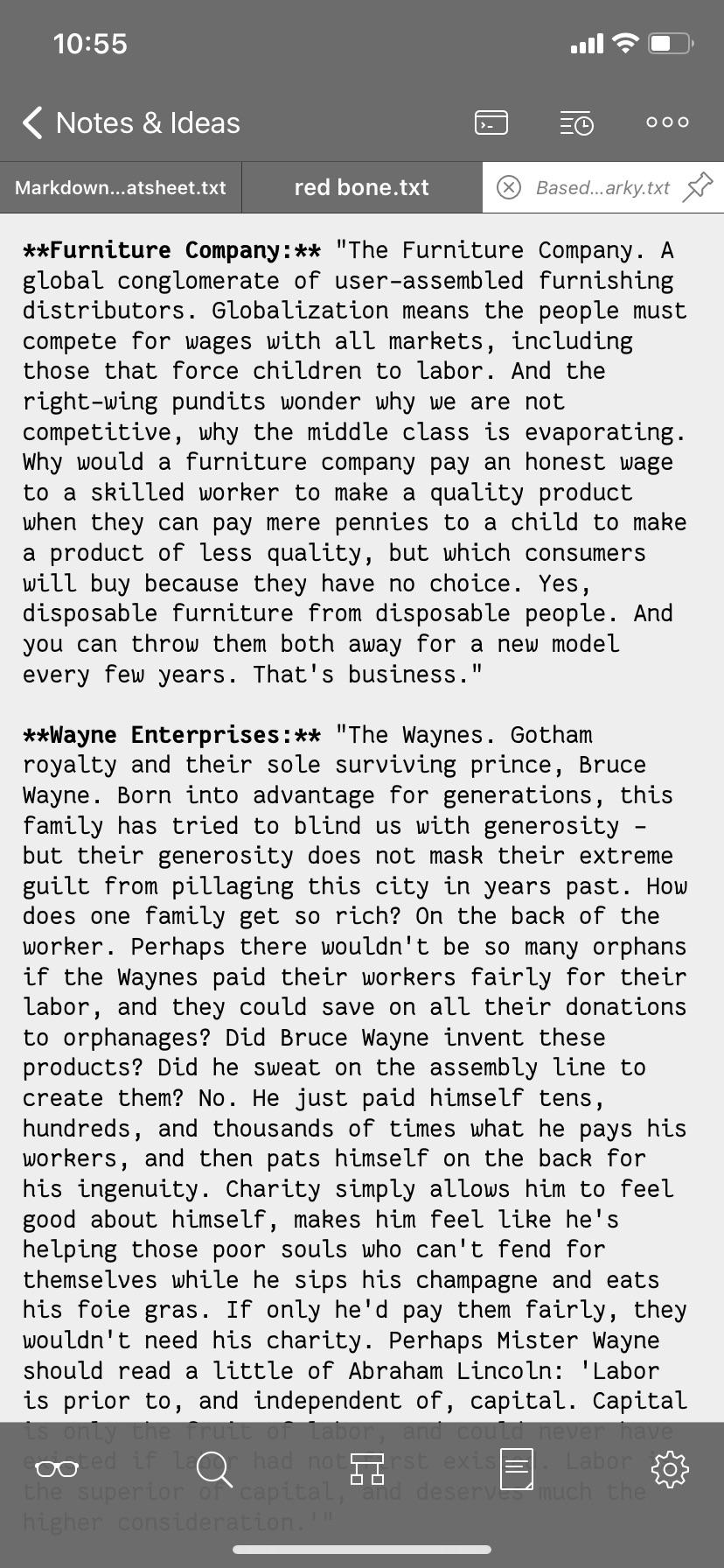
Below is flow of screenshots that show the issue with the Based Anarky.txt (it's a batman thing) file that originated on my iPad and I am trying to open it on my iPhone:
1. Click on greyed out file.
2. Receive error
3. Long press on file and click open as text file
4. Click open
5. Receive error, file contents not showing
6. Check file list to see file is no longer greyed out, click on file
7. File opens properly

Auto space before and after <= and >= in Swift code
At least in the compiler I am using now (and probably in general as I have seen this being described as an issue in some Swift forums) there must be a space before and after <= and >= (and I assume also < and >; == seem to work without in my compiler though). It would therefore be nice if the editor could automatically add a space before and after if you forget it.
This should also be part of the Prettify functionality I have just suggested.
Customer support service by UserEcho

