
 Delete/backspace when using softtab
When using soft tabs, backspace/delete at the beginning of an indented line only deletes one space instead of all the space matching a soft tab.
For example, say I have set my tab width to 4 spaces and use soft tabs, then if I have a line with an indent of two tabs (8 spaces) and then enter a new line and want to outdent it one tab (to 4 spaces), I'd usually hit backspace and expect one tab to be deleted (4 spaces), instead only 1 space is deleted (leaving 7 spaces).
Using shift-tab at the beginning of a line does work, but I'd argue it makes sense to do this for backspace as well (other editors do that, including Textatic on macOS AFAICT).

 Fixed background-image, scrolling content css, not working in preview?
Hello! So I'm looking for some assistance on a minor issue. First off, here is my css (located under <style> block in my html document) code:
body {background-image: url(../../images1/image13.jpg); background-size: cover; background-attachment: fixed; background-position: center;}
I am trying to get a fixed, centered background with scrolling content. I have the same exact code using Atom Editor and there is no issue, however when trying to preview this in textastic, there is no scrolling effect for my content. Can anyone help? I can provide more info if needed! Thanks so much in advance!

Without sass processing I can't take this serious
I want to use this app, badly, but without sass it isn't going to happen. I doubt I'm alone on this.
 iOS: Dropbox not shown under OPEN...
Hello all. My first post. The matter seems new here.
Dropbox is among the clouds that I have successfully linked Textastic for iOS to. Yet it doesn't show under the Open... command, nor under the subsequent More.. command to Manage Locations.
Tested on up-to-date iPad Air 2 and iPhone 7 Plus, and on iPad Pro 10.5" on latest beta iOS 11.

find across line break - cannot find strings which span line break
search cannot find strings which include a hard line break - table cells, list items, etc.
this is a real hindrance


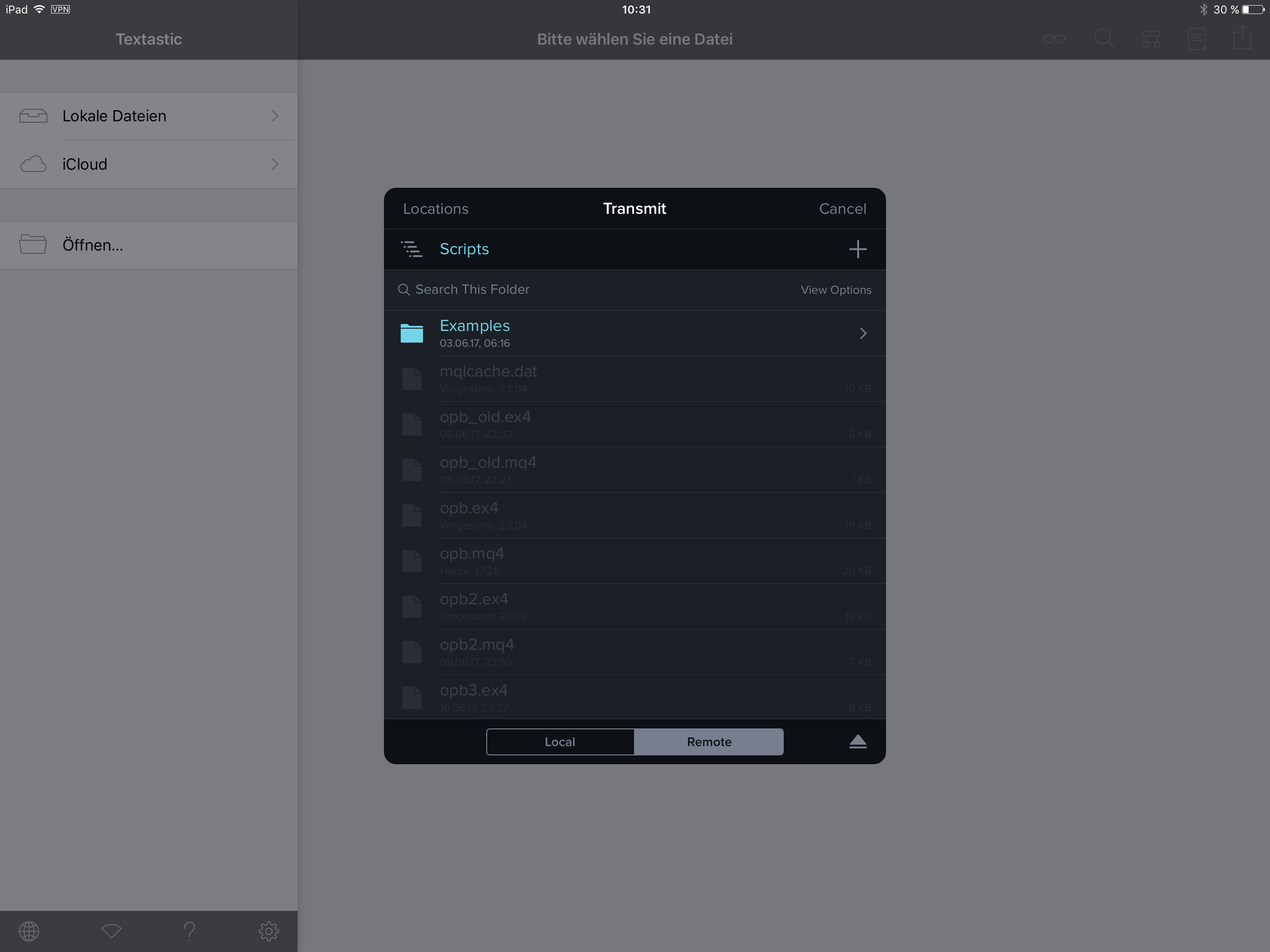
Unable to select .mq4 text files from Document Picker in Textastic.
I am not able to open a .mq4 Text file in Textastic.
It is just a simple text code file. Should work easily.
recent directories
add a recent directories menu over the directories column, similar to the recent files menu over the editing window

Highlighting for Python 3 type hints
There seems to be no support for Python 3 (released in 2008) type hints. From what I gather you are using the TextMate Python package for code highlighting, a somewhat more up-to-date highlighting package that most all other editors use (Sublime, Microsoft Code, Atom, GitHub) is MagicPython: https://github.com/MagicStack/MagicPython which has much better support for Python 3.

Restore Files and windows when re-opening is not working on macbook pro
This option is not working on my macbook pro macOS Sierra
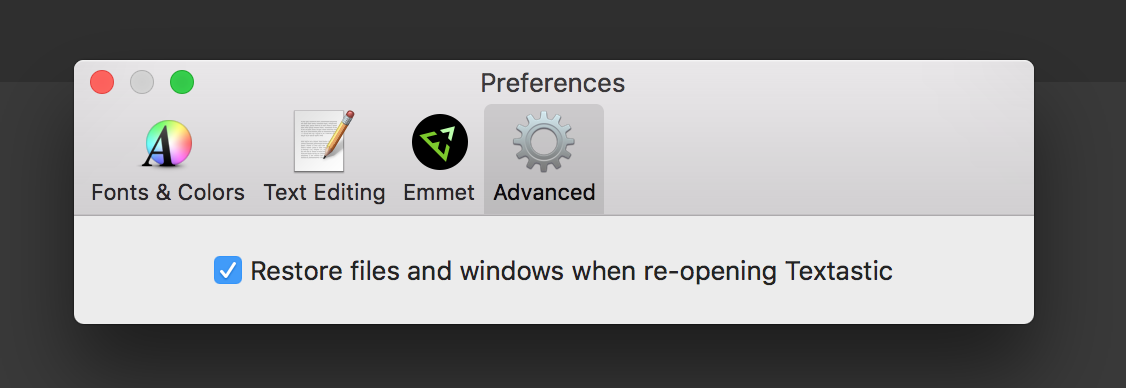
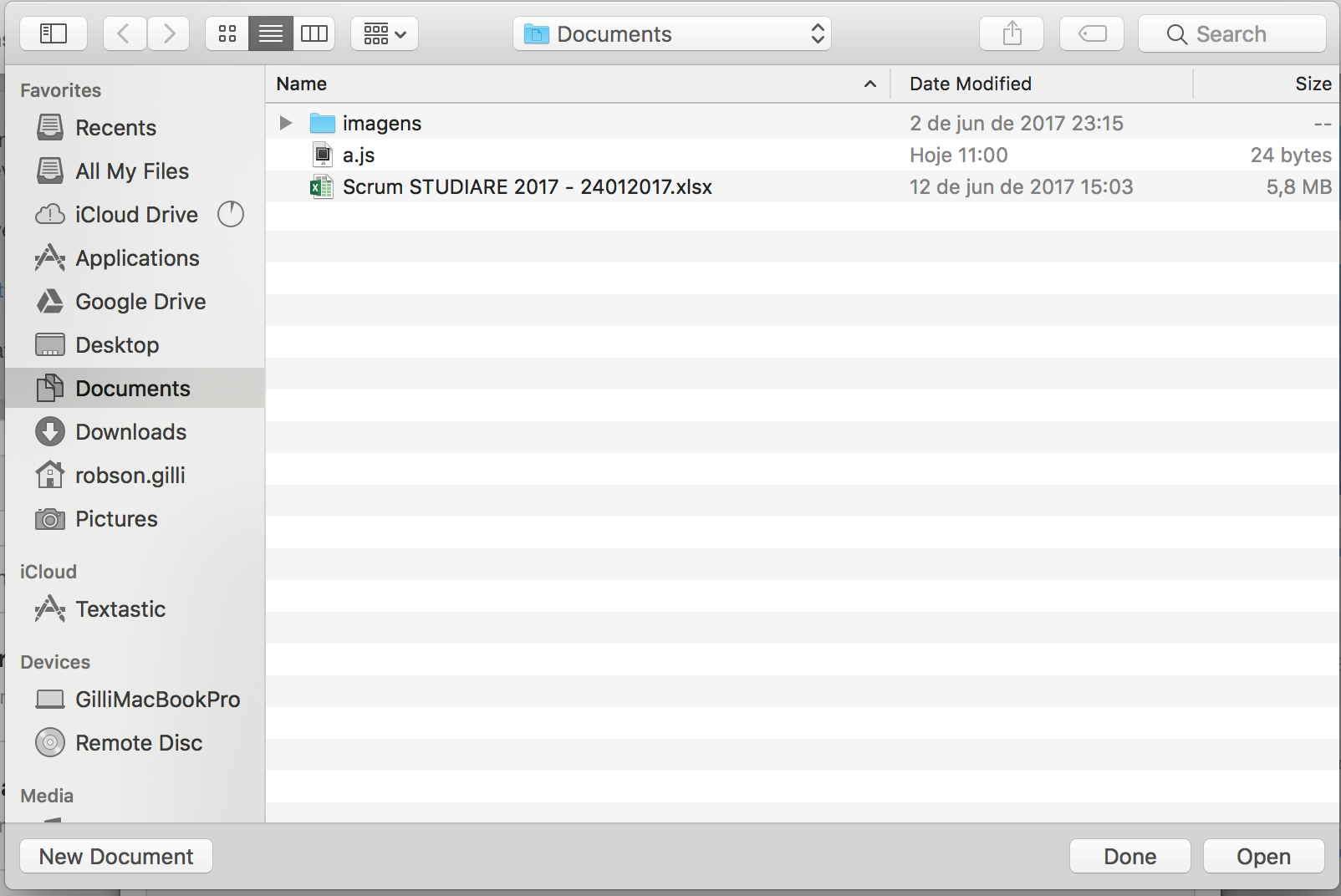
Everytime I open Textastic this window is shown.
Customer support service by UserEcho


