- Textastic for Mac
-
 Questions

0
Answered
Searching for a term using "Full Word" stops at the first occurrence
Hi.
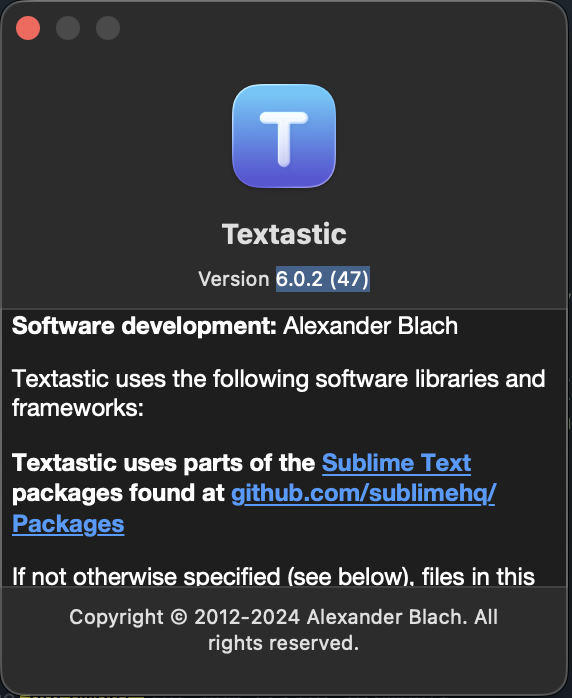
I have installed the 6.0.2 (47) version of Textastic on a macOS 26.2 arm64 and when I am searching through the current document using the Full Word search flag, the search stops at the first occurrence.
This is a screenshot of the version:
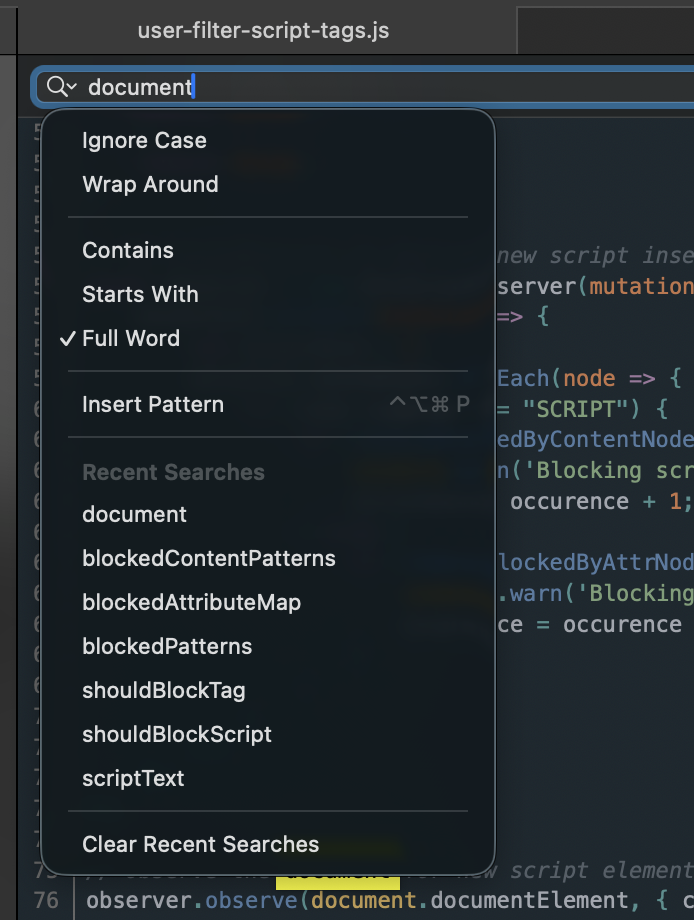
This is a screenshot with the Full Word search flag activated:
This is what Textastic finds:
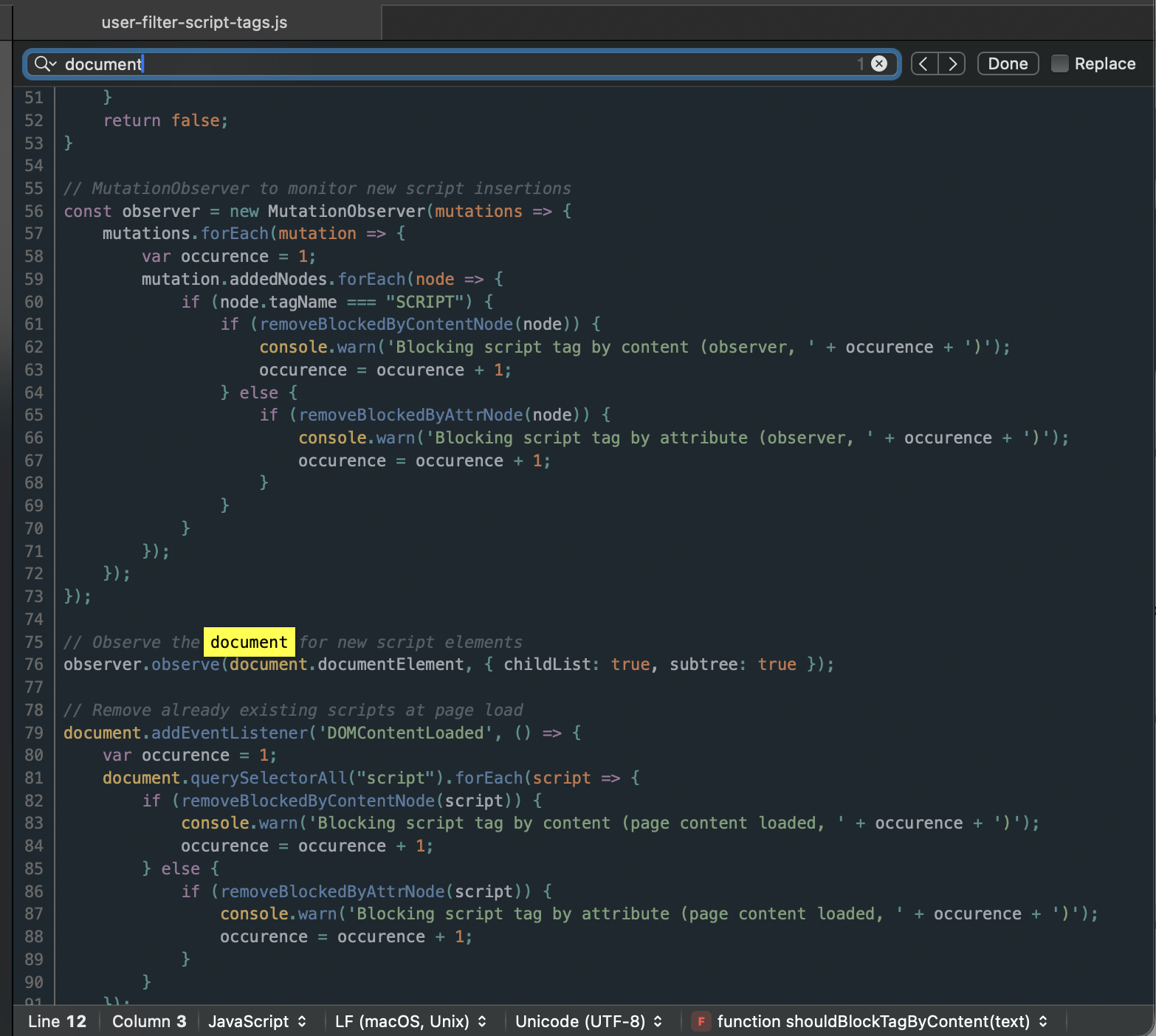
Please note the search box where it says it found only one occurrence although, as you notice, there are more occurrences.
Best regards,
Alex.
Customer support service by UserEcho


It looks like when the search encounters "document.", it's not recognized as a full word.
Thanks for letting me know, I'll try to find out what's going on.
Thank you.
I looked into it some more and could also reproduce the issue in Apple's TextEdit:
On macOS, Textastic uses the system's standard search implementation (NSTextFinder). Its "Full Word" option follows Apple's definition of what a "word" is. In this definition, a dot between letters is treated as part of the same word, rather than as a separator.
This is intentional and allows "Full Word" matching to work naturally for common text patterns such as:
Because of this, "document.documentElement" is considered a single word, while "document" or "document." followed by whitespace is not.
As a result, searching for "document" with "Full Word" enabled will match " document " and "document. ", but not "document.documentElement" or "document.addEventListener".
You can see the same behavior in Apple's TextEdit app.
At the moment Textastic does not (and cannot) override this system behavior. NSTextFinder is effectively a black box and does not allow this kind of customization.
If you need to find all occurrences regardless of word boundaries, please disable "Full Word" matching.
Hi,
Thank you for your explanations. I think using the Find panel and enabling the regular expressions is more helpful in that case.
Best regards,
Alex.