Your comments

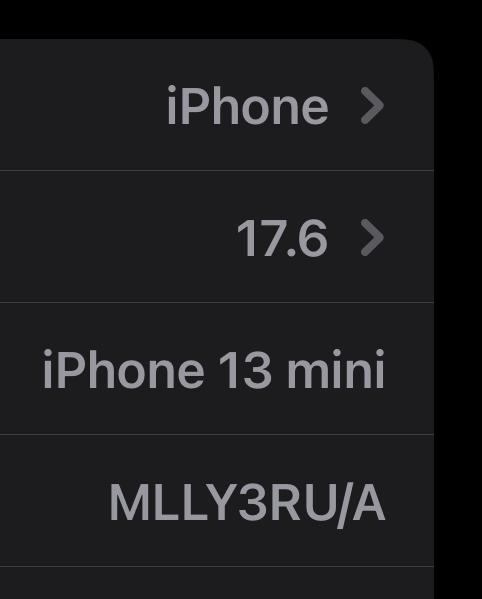
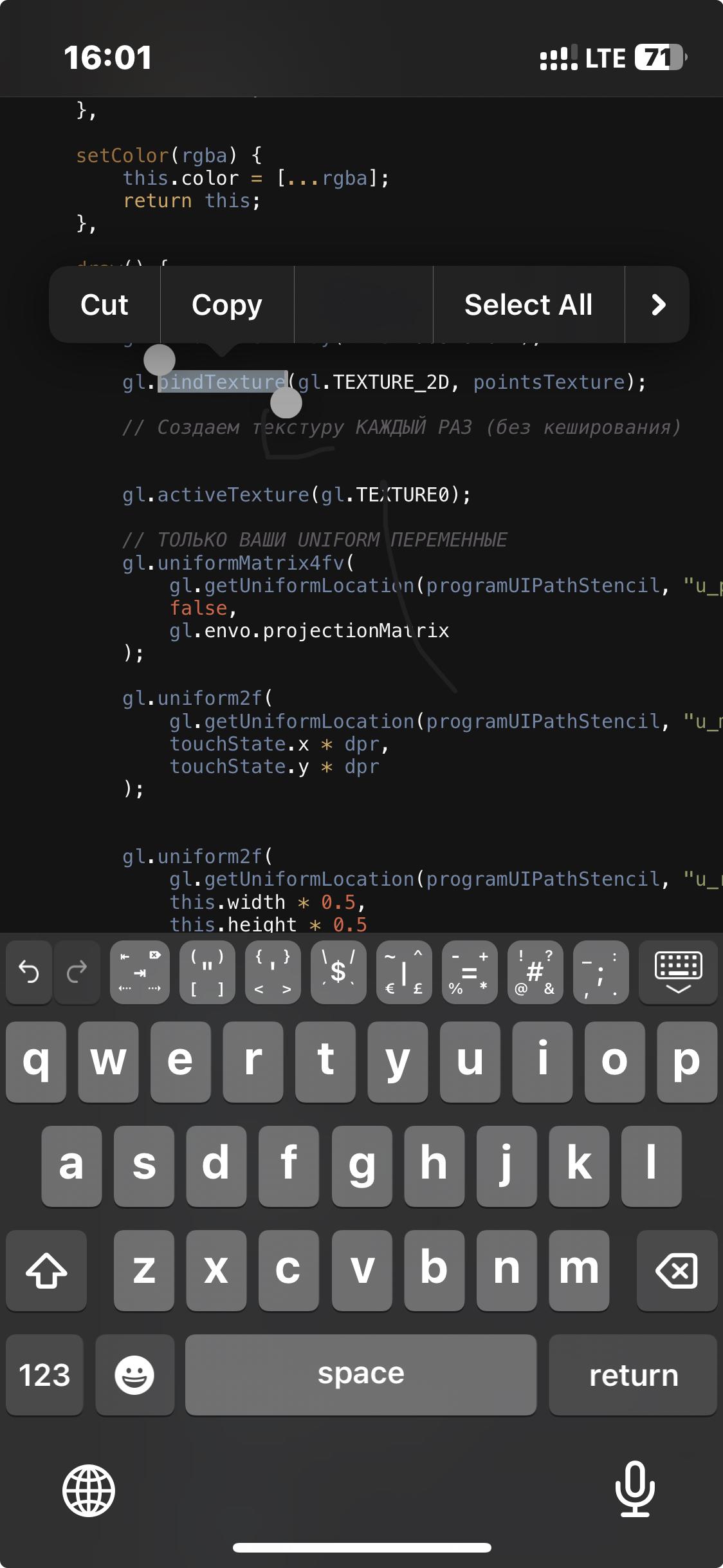
I don’t know how to reproduce the issue again. I couldn’t take a screenshot, but I’ll try to capture it next time. For now, this is roughly how it looked.
iphone 13 mini
A similar issue was observed with the floating action buttons when selecting text (“paste/copy/cut” etc.). Specifically, the “Paste” label sometimes disappears from the list.
Steps to Reproduce:
Unfortunately, I cannot provide exact reproduction steps. However, the problem has appeared twice on the same type of device under similar conditions.
Expected Result:
The context menu should consistently display all available options, including the “Paste” label.
Actual Result:
Occasionally, the “Paste” label is missing from the context menu.
Notes:
Since a similar issue was previously resolved, the solution to that case may help in finding a fix for this one as well.
I don’t see the issue anymore. Now the text wraps correctly.
View Update Issue After Flickering Resolved
The flickering issue seems to be resolved, but I’ve noticed a new related problem: in the same area where the flickering used to occur, under certain conditions (e.g., when text wraps to a new line), the view does not update correctly beyond the current screen width. It appears that the content outside the visible area is not being properly redrawn when changes occur.
Just updated and tested everything — it works perfectly. Thank you for the quick fix and fast response!
Customer support service by UserEcho


I’m not able to debug the root cause of this behavior so far. It may indeed be a device-specific or configuration-specific issue.
One thing I’ve noticed: when the context gets lost, it only affects the specific .html file where it happened. If I open a completely different HTML file, WebGL works fine there. However, reopening the affected file does not fix the issue — the problem persists until the app is fully restarted.
I understand this is slightly off-topic for the current bug report, but I had another idea that could significantly reduce the impact of situations like this: adding local caching of the edit history (undo/redo) on the device, with configurable settings.
Proposed settings:
Honestly, I haven’t seen this kind of feature in other editors. It would effectively “mask” the issue discussed in this thread, and also help with any unexpected crashes or forced app closures: even after a restart, the edit history would not be lost, and losing undo/redo would no longer be a concern.